
01 / TRAINING
Know what to do next.
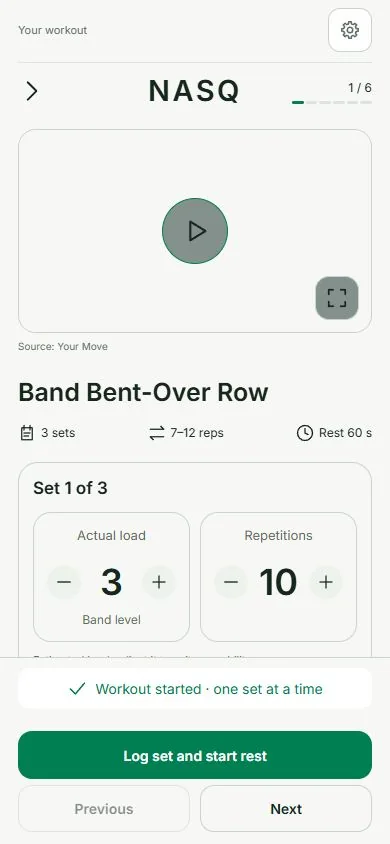
Choose your training days and method. Follow exercise videos, record sets, reps and weights, and keep your session moving with a rest timer.
Workout settings keep your days, duration and equipment together.
TRAIN · EAT · UNDERSTAND YOUR PROGRESS
Your workouts, meals and progress, together in NASQ. Follow your training, review what you eat, and ask NASQ AI Coach when you need a hand.
Free to download · Premium features available
Android is not publicly available yet.
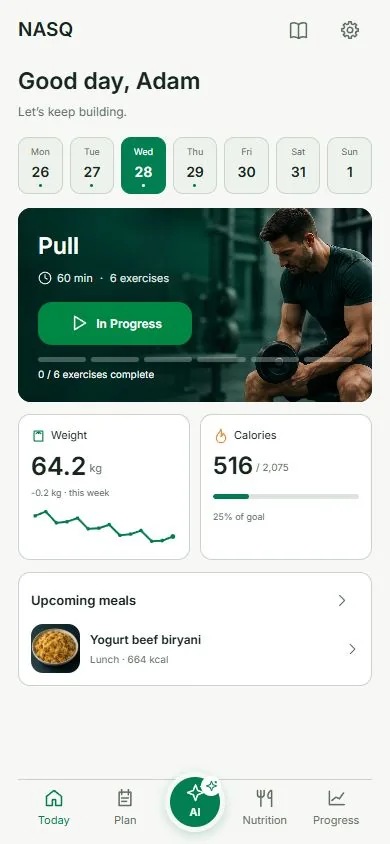
Real app screens · Adam is a fictional demo profile
ONE APP, THROUGH YOUR DAY
Start with a plan, log what happens, and keep the next step in view.
01 / TRAINING
Choose your training days and method. Follow exercise videos, record sets, reps and weights, and keep your session moving with a rest timer.
Workout settings keep your days, duration and equipment together.
02 / NASQ AI COACH
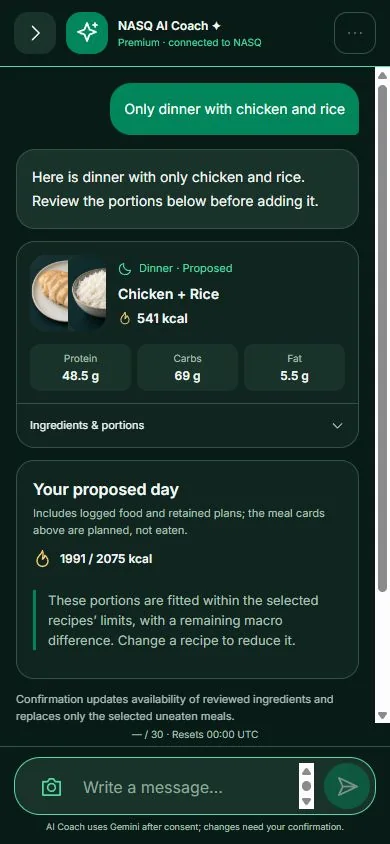
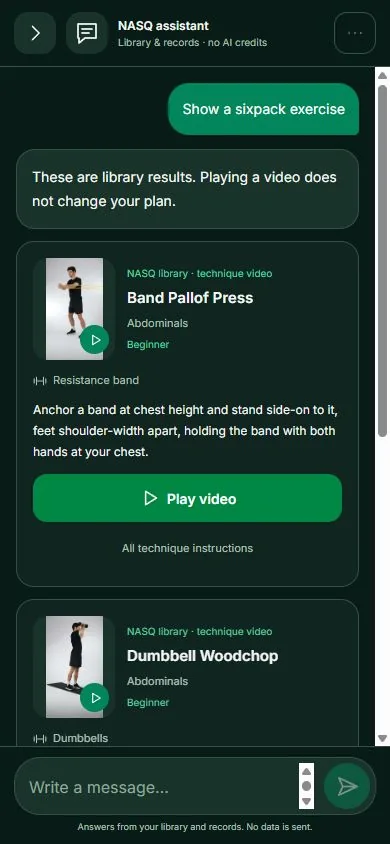
Ask for a full meal plan, just dinner, or an exercise from the library. The coach replies with practical cards you can review inside the conversation.
Premium · Internet, a confirmed NASQ account and consent required.
03 / FOOD PHOTOS
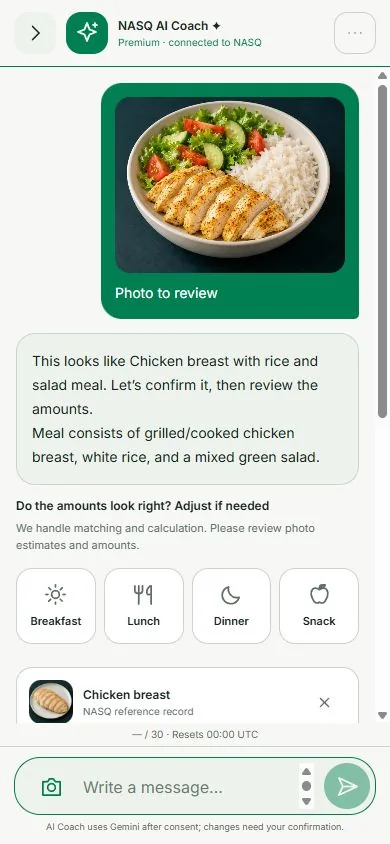
Confirm the food the coach recognises, then review ingredients and amounts. Adjust the portions before logging the meal.
Calories and macros are estimates, including foods outside the reference library.
04 / NUTRITION
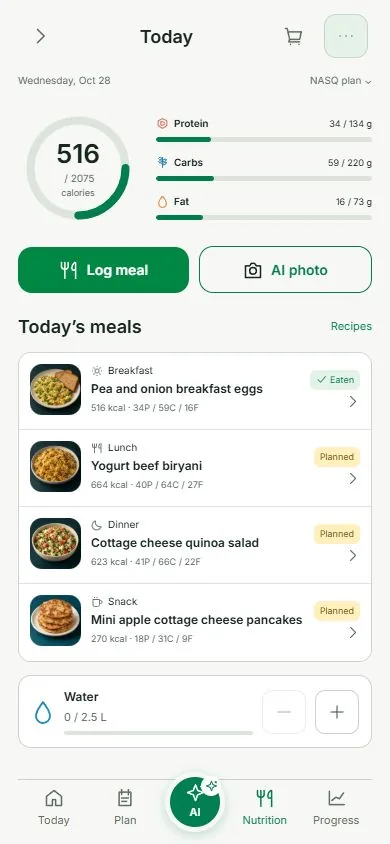
Keep breakfast, lunch, dinner and snacks together. See meal names, food photos, calories and macros, with Planned and Eaten states.
Add several ingredients together, use recipes, and track water below your meals.
05 / PROGRESS
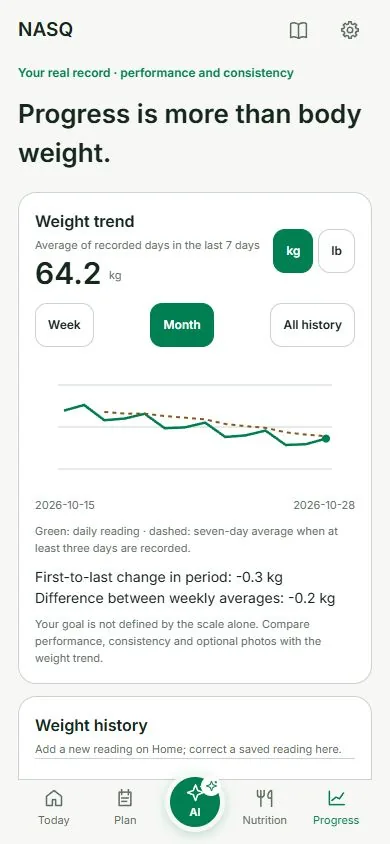
Follow your body-weight trend, measurements and workout history. Keep the context of your progress in one place.
Optional reminders help you return when it suits you.
YOUR EXERCISE REFERENCE
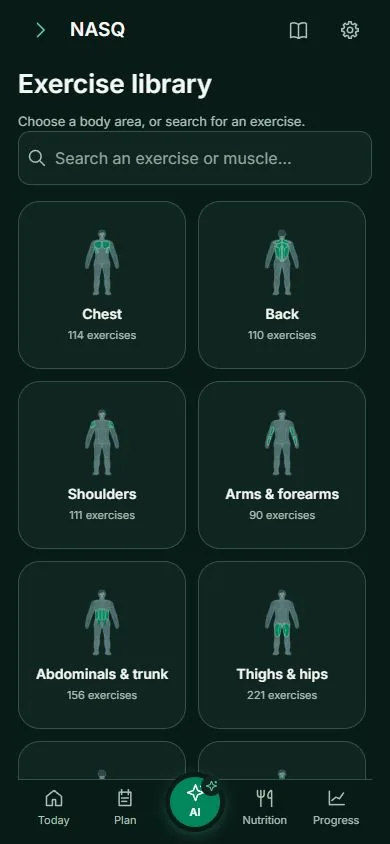
Browse by muscle group, open exercise instructions, and play the available technique video. AI exercise suggestions can use this same library.
Explore training screensChoose your available equipment in workout settings. For supported equipment photos, NASQ AI Coach asks you to confirm the match before updating availability and your plan.
SET UP ONCE. ADJUST WHEN NEEDED.
Basic profile details, your experience, days and training method.
60-minute sessions and all equipment are the starting defaults. Change them in workout settings.
Device language by default, with an explicit language choice and light or dark appearance.
General app entry does not require an account. Cloud AI Coach requires a confirmed NASQ account and an active Premium entitlement.
No. Ingredients, portions and nutrition are estimates. Hidden oils, sugar and preparation methods can change the result. Confirm the food and edit the amounts before logging.
Suggested meals and equipment changes need your confirmation. Exercise suggestions in chat can show library videos without automatically replacing your training plan.
Yes. NASQ supports Arabic and English, and light and dark appearances. This website also saves your explicit language and appearance choices.
Android is not publicly released yet. The Google Play button is a coming-soon notice, not a download link.
It was submitted to Apple on 31 October 2026. At our last verified check, the public App Store version was 0.3.4. Check the App Store for the currently available version.
Explore the screens, or open NASQ on the App Store.